
Go to your profile by clicking on the icon at the top right corner of the screen.
Then, go to the Settings section and click on DELE. Make sure to click on Save Changes and that’s it!
Go to your profile by clicking on the icon at the top right corner of the screen.
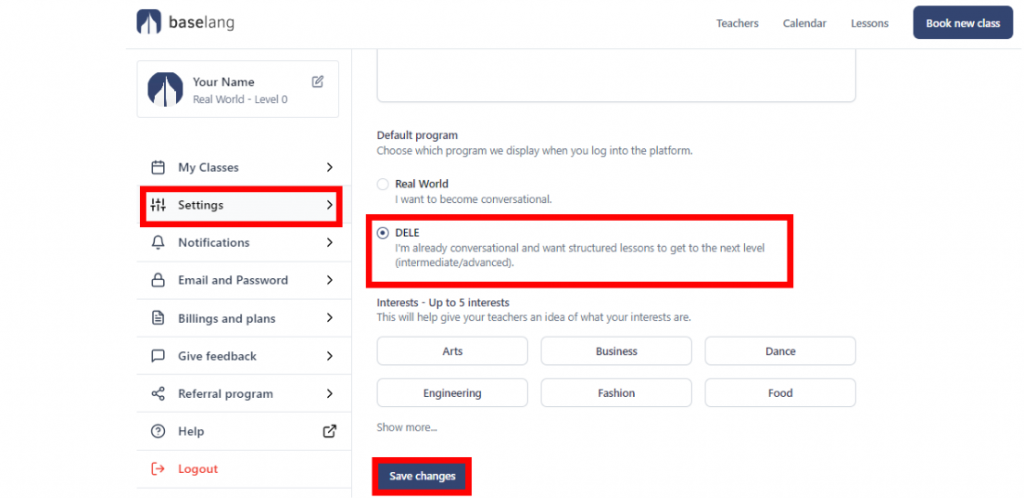
Then, go to the Settings section and click on DELE. Make sure to click on Save Changes and that’s it!