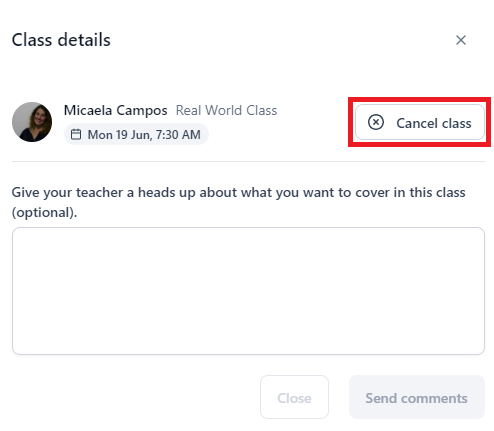
We encourage you to cancel a class if you can’t make it. This lets other students book the time slot.
To cancel a class, select it from the Upcoming Classes section of your dashboard or click on the notification you got confirming the class. Then, click on ‘Cancel class’ and the Confirm button.